Unlock the Full Power of Your PSP Games with Cwcheat Codes Pack for PPSSPP. Ever wished your PSP games were a little easier (or just more fun)? Say hello to the Cwcheat Android PPSSPP — your ultimate power-up! This handy add-on lets you unlock infinite health, max out your stats, and breeze through every level like a pro. Forget grinding for hours; now you can focus on the fun part — actually playing.
Installing it is simple: download, enable the cheats, and jump back into your favorite Cwcheat PSP classics with a whole new twist. Whether you’re revisiting God of War, Tekken 6, or Crisis Core, this pack gives you complete control over your gameplay.
What Are PPSSPP Gold Cheats?
PPSSPP Gold cheats are special codes or modifications that players can use to make their PSP games easier, more exciting, or more customizable. These cheats allow you to unlock hidden features, gain unlimited money or health, access powerful weapons, collect extra coins, or even skip challenging levels with ease.
Most of these cheat codes are created by experienced gamers or developers who design them to help players overcome difficult stages or defeat tough bosses that can be frustrating. Using these cheats can make gameplay smoother, more enjoyable, and rewarding, allowing you to experience your favorite PSP titles without unnecessary difficulty.
PPSSPP CWCheats v3.0 Download Information (2025 Update)
CWCheats Pack for PPSSPP is the latest and most complete cheat collection for PSP games running on the PPSSPP emulator. It’s lightweight, easy to install, and supports over 1000+ PSP titles, giving players access to powerful cheat codes like infinite health, max money, unlock-all, and more.
| Item | Details |
|---|---|
| File Name | CWCheats Pack for PPSSPP |
| Version | v3.0 Latest (2024 Update) |
| File Size | 2 MB |
| Compatibility | Works with all PPSSPP versions (Android, Windows, iOS) |
| Supported Games | 1000+ PSP Games |
| Installation | Paste the cheat.db file inside the cheats folder of your PPSSPP directory |
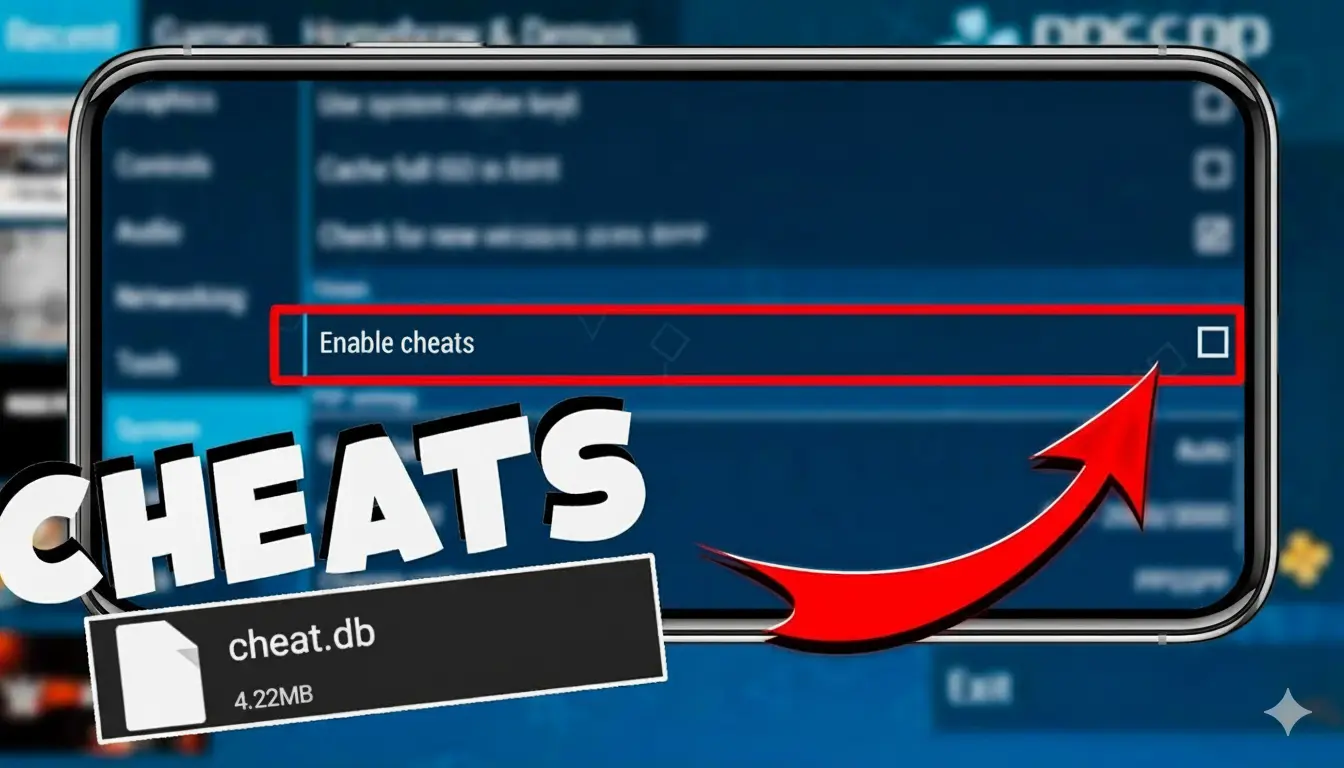
| Activation | Enable CWCheats from PPSSPP → Settings → System → Enable Cheats, then access them via the in-game menu |
How to Use Cheats in PPSSPP Gold Android (Step-by-Step Guide)
Follow these simple steps to set up and use cheats in PPSSPP Gold:
1. Download the Latest Cheat Database
- Visit our official website: ppssppapk.com.
- Download the latest PPSSPP cheat code pack (a ZIP file).
- Once the download is complete, extract the ZIP file using any file manager or ZIP extractor app.
- Remember the folder location where you extracted the files — you’ll need it later.
2. Enable Cheats in the PPSSPP Emulator
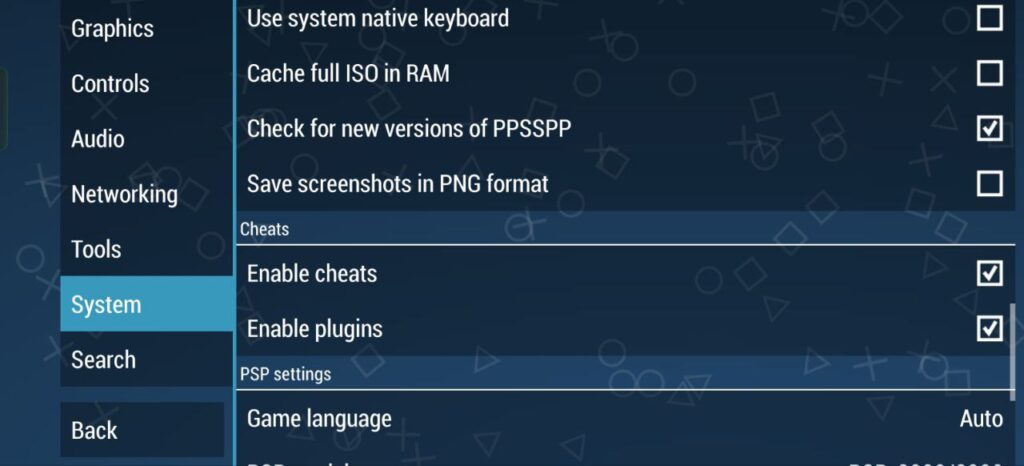
- Open the PPSSPP emulator on your Android device or PC.
- Go to Settings → System.
- Scroll down until you find the option “Enable Cheats”.
- Turn this option ON to allow cheat code support in the emulator.
3. Load Your Game and Open the Cheat Menu
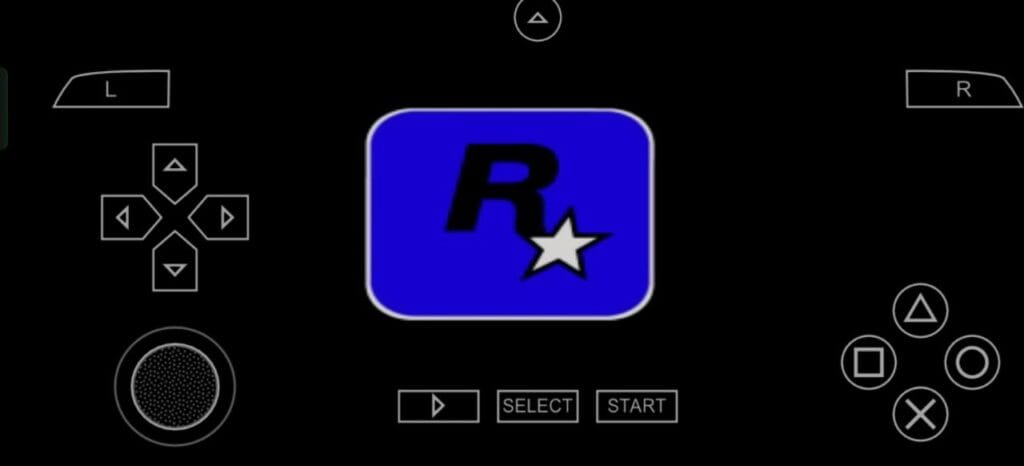
- Start any PSP game from your PPSSPP emulator.
- Once the game is running, tap on the menu icon at the top of the screen to open the emulator menu.
- Select “Cheats” from the list of options.
4. Import and Activate the Cheat Codes
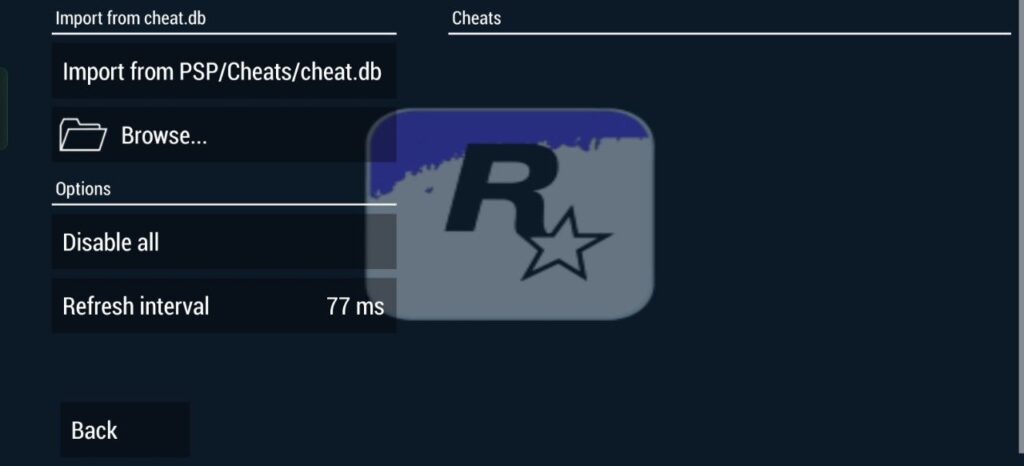
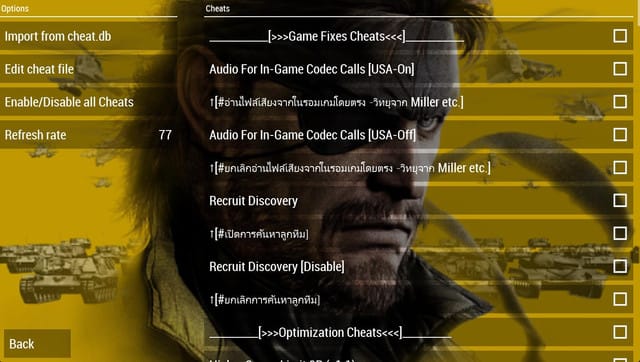
- In the Cheats section, tap “Import from cheat.db” or “Browse” (depending on your version).
- Navigate to the folder where you extracted the cheat.db file earlier.
- Select the
cheat.dbfile. - Go back to the Cheats menu, and you’ll now see a list of available cheat codes for your game.
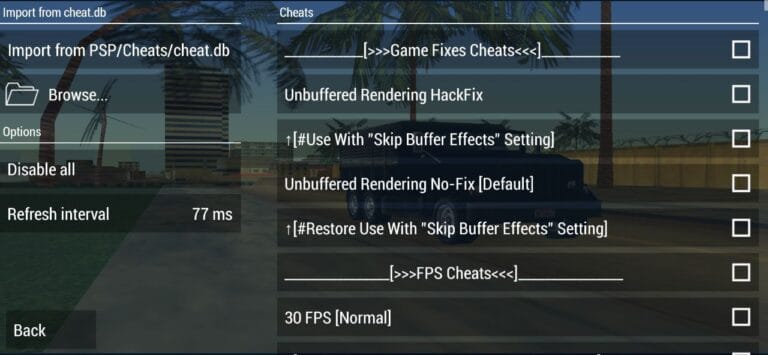
- Simply check the boxes next to the cheats you want to use — and they’ll be activated instantly.
FAQs (Frequently Asked Questions)
How to Use CWCheats in PPSSPP?
To use CWCheats in PPSSPP, first make sure cheats are enabled in your emulator. Go to Settings → System → Enable Cheats. Then, open your PSP game and press ESC (or back button) → Cheats → Import from Cheats.db. You can add cheat codes manually by editing the .ini file in the memstick/PSP/Cheats folder. After adding your codes, return to the game, enable the desired cheat, and resume playing.
Do Cheats Work on PPSSPP?
Yes, cheats work perfectly on PPSSPP. The emulator supports CWCheat codes, allowing you to modify gameplay elements such as health, ammo, speed, and unlockables. However, ensure that you’re using valid and game-specific codes to prevent crashes or errors.
How to Cheat in The Warriors PPSSPP?
In The Warriors on PPSSPP, you can use CWCheats to unlock weapons, gain health, or skip missions. Download or copy valid cheat codes for The Warriors PSP version, place them in the correct cheats folder, and enable them through the in-game menu.


![How to Activate Cheats in PPSSPP Gold? [Complete Guide]](https://ppssppapk.com/wp-content/uploads/2025/08/zhFMRn8ADl4-HD-768x432.jpg)